download

android

Version 0.4.0, a 2.0 MB APK for Android 7.0 and newer. Works on every processor type.

file
techswitch-upihub-0.4.0.apk
app id
techswitch.upihub
sha-256
0128127cfb1361497c8e860097f5814ce7901b8f4e294d14ac0129dc0b97dc52
signing cert
e3e54ee19a6628451552a3486e94d5742ebc32beb6dd79afef809986e7b7d00c
iphone

Preview 0.4.0, an unsigned 0.3 MB IPA for iOS 16 and newer.

Not on the App Store yet. iPhones only run signed apps, so install the IPA with a sideloading tool such as AltStore or Sideloadly, which signs it with your Apple ID. With a free Apple ID it stops opening after 7 days until you sign it again.

file
techswitch-upihub-0.4.0-ios-unsigned.ipa
sha-256
fba3eb3160bd3155ef1796a53c46a8b33b97693ddf7ee5a3fb6ca78bb8bbc357
opens
Google Pay, PhonePe and Paytm, plus other UPI apps through their own links or iOS's UPI handler
not yet
The home-screen widget; iOS apps also return no payment result

see it work

The app opens straight into the scanner. Every UPI app on the phone is offered, your default first, and the QR goes across unchanged.

pays from
A live QR, a screenshot, a UPI ID or a upi:// link
works with
Any UPI app on the phone that accepts payment links
permissions
The camera, nothing else; no internet access
extras
Scan & Pay home-screen widget, light and dark themes
source on github
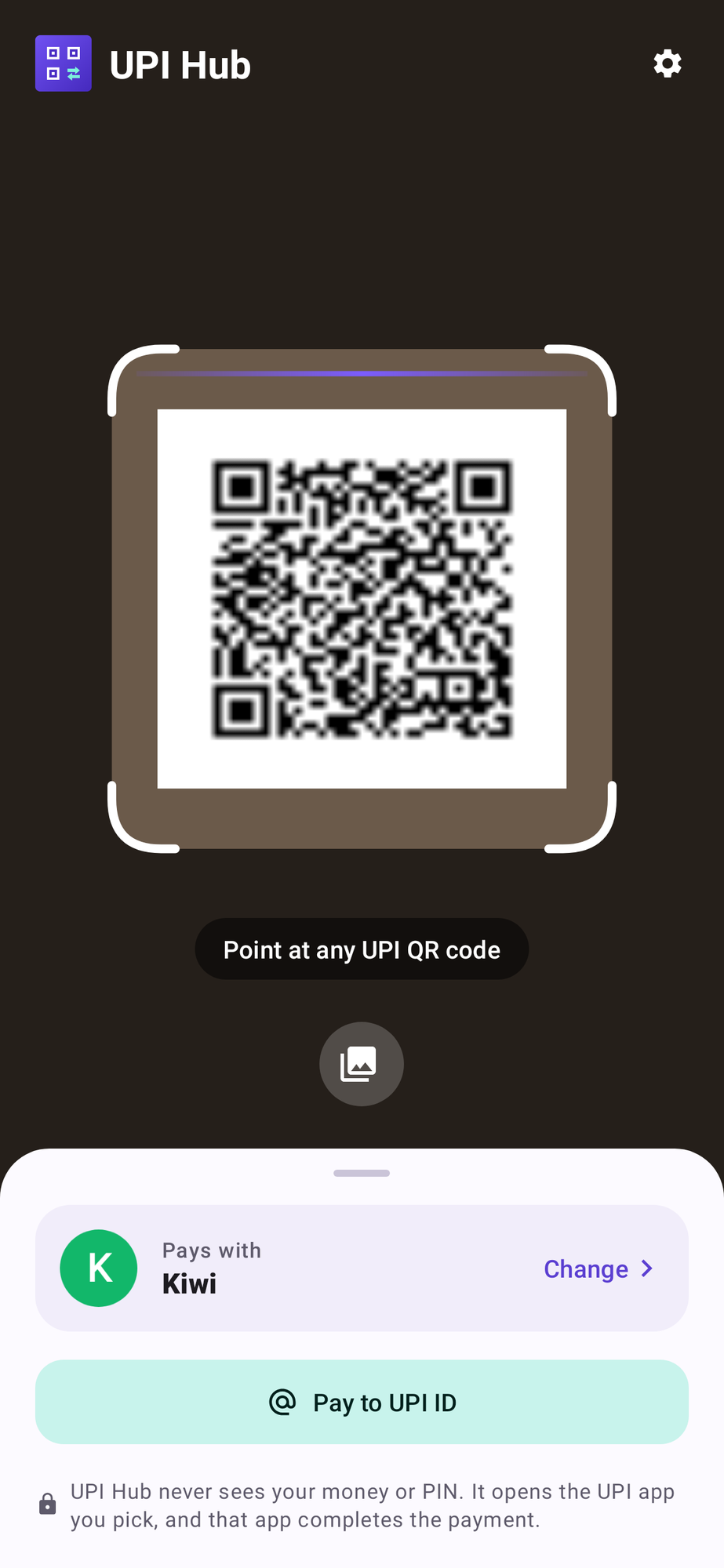
UPI Hub scanner reading a sample UPI QR code, with the default app shown below
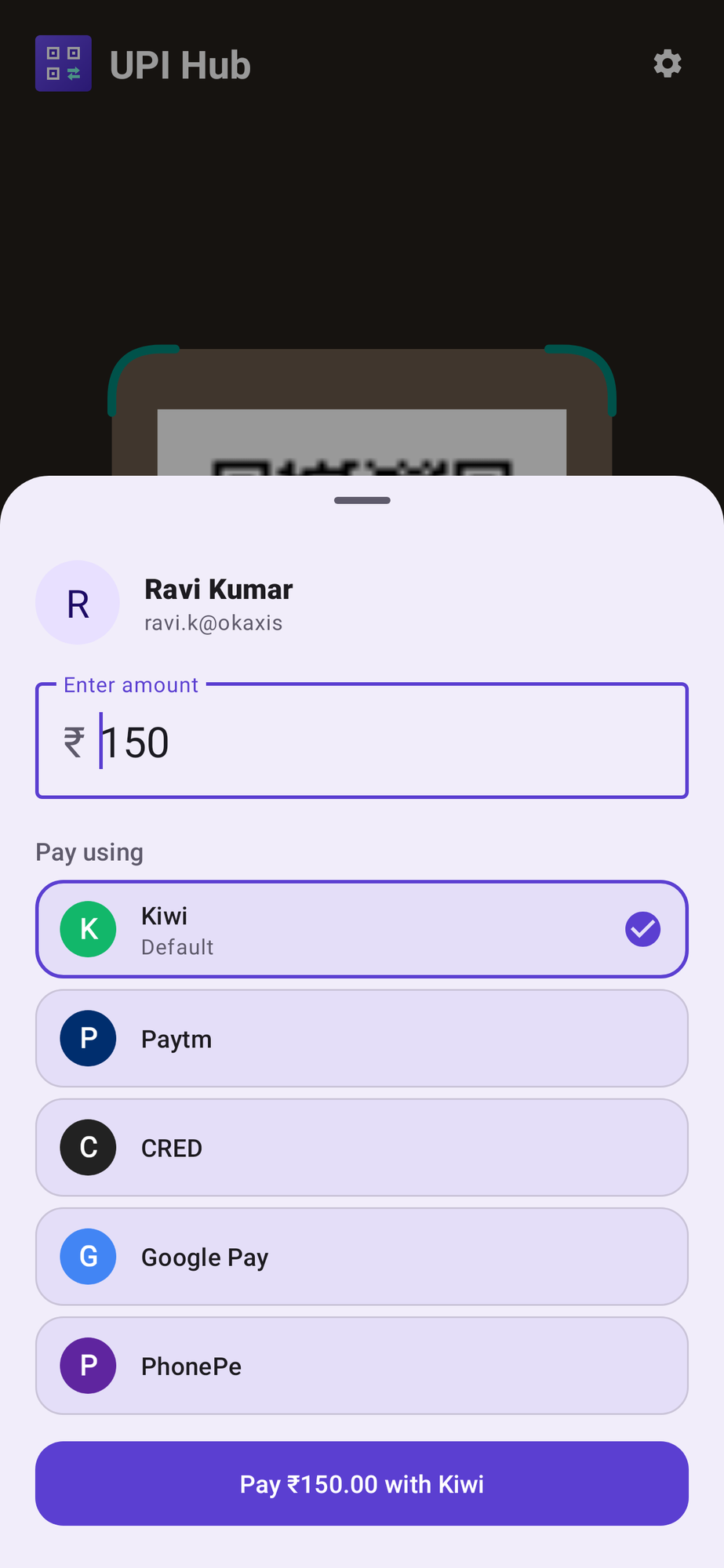
UPI Hub asking for the amount of a QR code without one, with the pay button showing 150 rupees
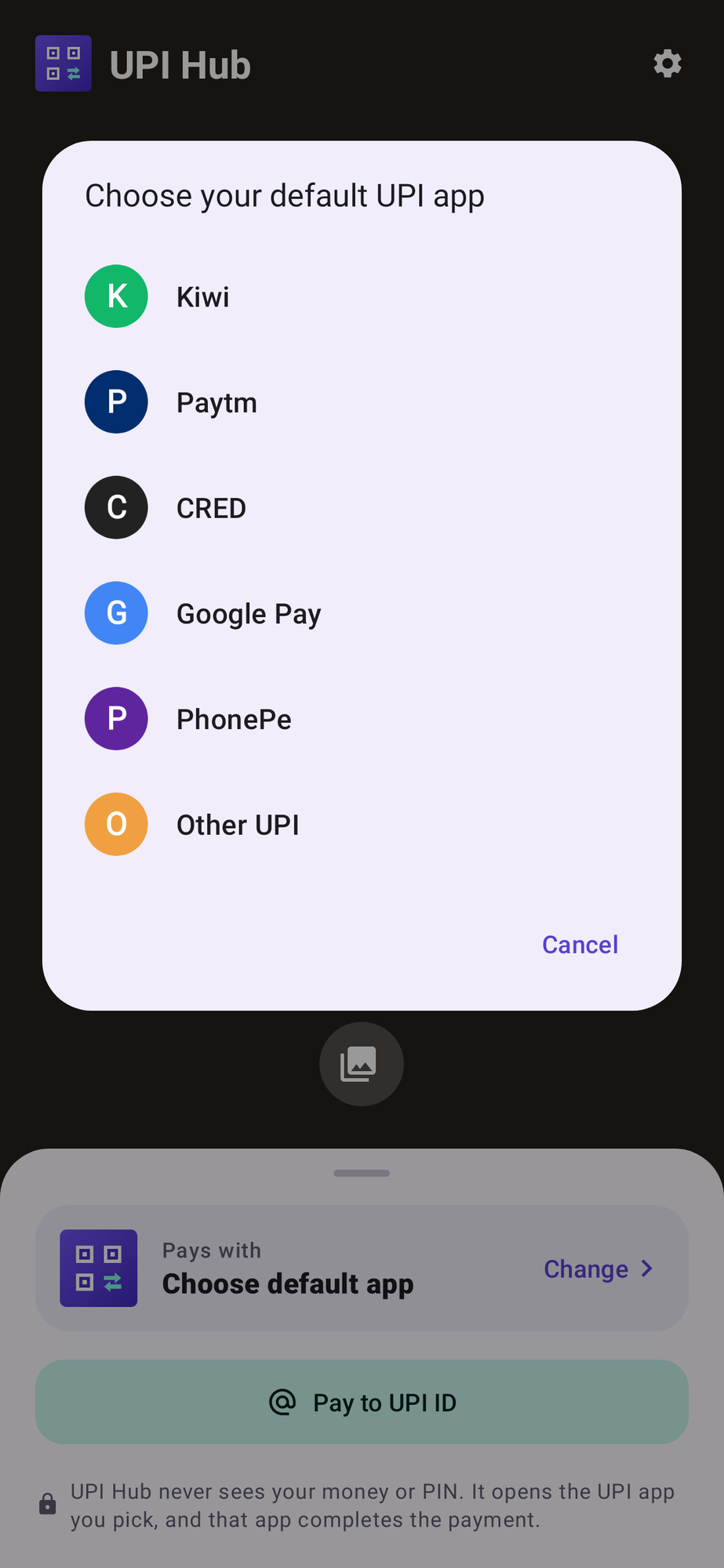
UPI Hub asking you to choose your default UPI app from the apps on the phone
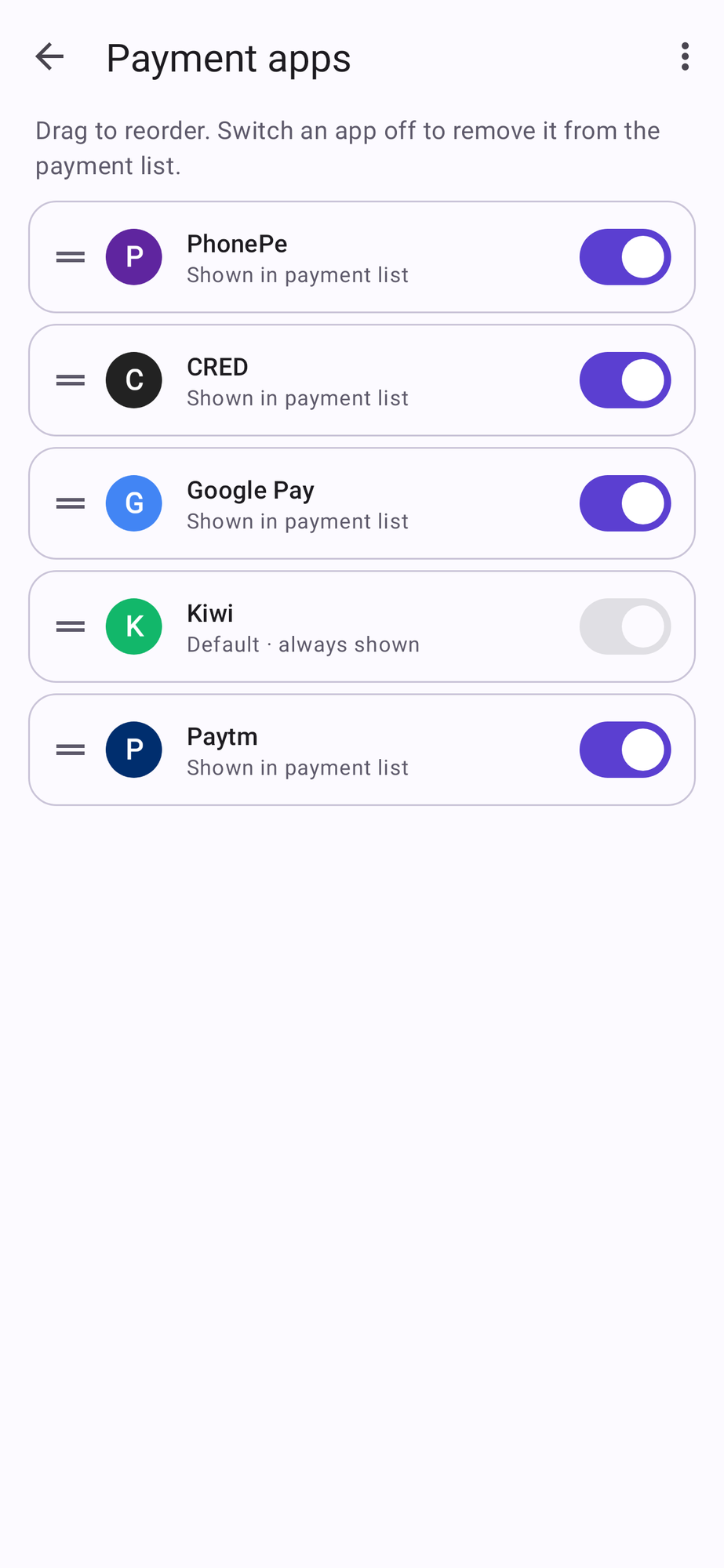
UPI Hub Payment apps screen: drag to reorder, switch an app off to remove it from the payment list
Screens rendered from the app with sample apps and a sample QR code.

install in a minute

Both files come straight from the UPI Hub release on GitHub, built there: the APK signed, the IPA unsigned until there is an App Store build.

  1. download the apk

    Tap download apk on your Android phone. Chrome may warn that the file can harm your device; that warning appears for every app installed from outside the Play Store.

  2. allow the install

    Open the file. Android asks once to allow installs from your browser or Files app; turn it on, go back and tap install.

  3. allow the camera

    On first launch, allow the camera and pick your default UPI app from the ones on your phone.

  4. scan and pay

    Point at a UPI QR, confirm the app, and finish the payment with your PIN in that app.

  5. on an iphone

    Download the IPA on a Mac or PC, then install it with AltStore or Sideloadly signed in with your Apple ID. On the iPhone, trust your Apple ID under Settings, General, VPN & Device Management, then open UPI Hub. Sign it again every 7 days with a free Apple ID.

private by design

UPI Hub has no account, no ads, no tracking and no internet permission. It never sees your PIN or bank details.

  1. privacy policy

    What the app uses and why, in one page. read the privacy policy

  2. check the file

    Compare the download with the SHA-256 above, for example sha256sum techswitch-upihub-0.4.0.apk, or with the SHA256SUMS file on the release.

  3. updates

    Later versions are signed with the same key and install over this one. New releases appear on the GitHub releases page.